
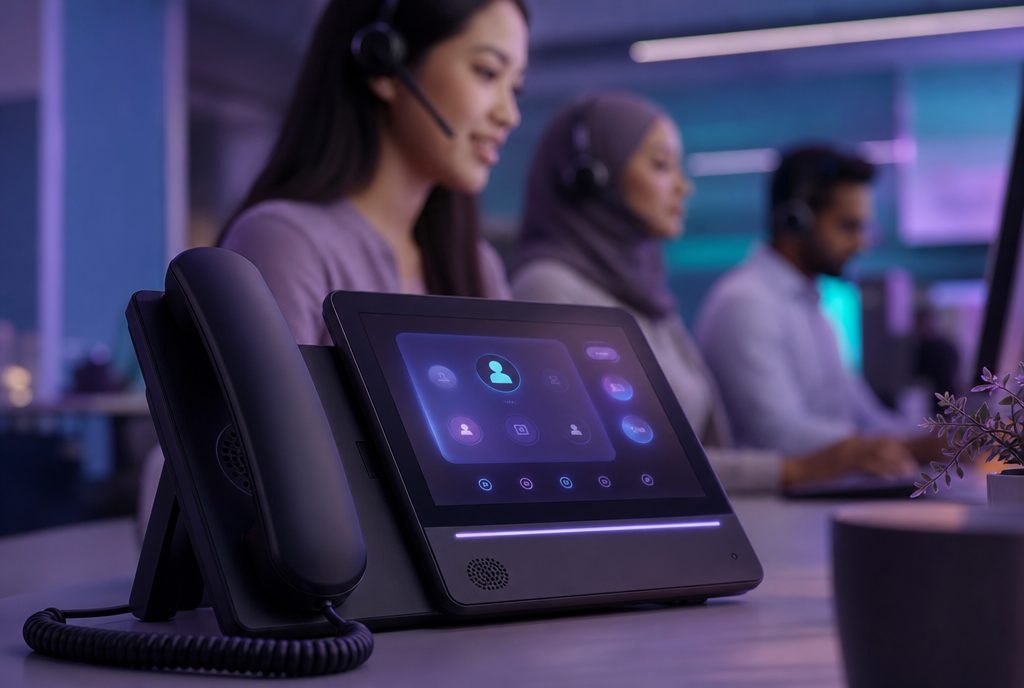
An IVR menu customers do not hate is one that gets them where they need to go in as few steps as possible, and hands off to a human the moment a request is even slightly outside the routine. Most frustration with phone self-service comes not from the technology itself but from menus that are too long, options that do not match what the caller actually wants, and no visible way to reach a person when self-service fails. Fixing these three things solves most of the problem.
Why Do People Hate IVR Menus So Much?
The dislike is rarely about the concept of self-service. Customers are generally happy to resolve a simple task, such as checking a balance or confirming an appointment, without waiting for an agent. What creates frustration is being forced through a menu that does not match their reason for calling, being asked to repeat information they already typed in, or discovering only after several minutes that there is no way out of the automated system at all. Each of these is a design failure, not an inherent flaw in the medium.
The Loop Problem
The most common specific complaint is the loop: a caller selects an option, is routed to a sub-menu, realises none of the choices fit, and is sent back to the start with no memory of what they already tried. This happens when menus are built around internal department structures rather than around the actual reasons customers call. A menu organised by 'which team handles this' rather than 'what does the customer want' will almost always produce loops.
How Should an IVR Menu Actually Be Structured?
The starting point is not the phone tree, it is the list of reasons people actually call, ranked by frequency. A well-designed IVR puts the most common two or three reasons for calling at the top of the menu, in plain language, and keeps the total number of options at each level small enough to hold in memory, generally no more than four or five. Anything rarer or more complex should route to a person rather than being buried three menu levels deep.
- Lead with the most common requests, not an alphabetical or departmental list of every possible reason to call.
- Keep each menu level short, because callers forget options if there are too many to choose from.
- Use natural language, not internal jargon or department names the customer has no reason to know.
- Always offer a path to a human, visibly and early, not buried as the last option after several sub-menus.
Designing for the Impatient Caller
A meaningful share of callers want a human immediately and will try to escape the menu as fast as possible, often by pressing zero repeatedly. Rather than fighting this instinct, good design accommodates it: a clear 'press zero for an agent at any time' option, mentioned early, reduces frustration for this group without undermining the value of self-service for everyone else.
When Should Self-Service Hand Off to a Human?
The handoff point matters as much as the menu structure itself. Self-service works well for tasks that are simple, high-volume and low-risk, such as checking an order status or resetting a password. It works poorly for anything emotionally charged, ambiguous, or where the customer has already tried and failed to resolve the issue online. A useful rule is that if a customer is calling about something that went wrong, rather than something routine, they should reach a person quickly.
Signals That Should Trigger an Immediate Handoff
Repeated invalid inputs, a caller who has already been transferred once, or account flags indicating a recent complaint are all reasonable triggers for skipping straight to a human agent. Systems that can recognise these signals and act on them feel far more considerate than a rigid menu that treats every caller identically regardless of history.
Does Voice Recognition Make This Easier or Harder?
Speech-enabled IVR, where callers state their reason for calling rather than pressing numbers, can genuinely speed things up when it works, since it skips several menu levels at once. It can also frustrate callers badly when the system consistently misunderstands accents, background noise, or phrasing it was not trained on. This is one area where Singapore's linguistic mix, including Singlish phrasing and multiple first languages, needs to be tested deliberately rather than assumed to work out of the box, and it is closely related to the broader question of why multilingual support matters in this market.
Fallback When Recognition Fails
Any speech-based system needs a graceful fallback to touch-tone or a human agent after one or two failed recognition attempts. A system that keeps asking a confused caller to repeat themselves is worse than a simple numbered menu, because it signals the technology is broken rather than merely limited.
How Does IVR Fit Into a Broader Technology Stack?
IVR should not be evaluated in isolation. It is one entry point among several, alongside web chat, WhatsApp and email, and it works best when the choice of technology reflects real customer behaviour rather than what is easiest to build. Firms weighing this alongside other decisions, such as cloud PBX versus legacy phone systems, often find that modern platforms make it far easier to update IVR menus quickly based on what is actually happening in call data, rather than treating the menu as a fixed structure set once and rarely revisited. This connects to the wider question of choosing contact centre technology that fits the business rather than technology chosen for its own sake.
How Do You Know if an IVR Is Working?
The clearest signal is not customer satisfaction scores alone, though those matter, but a small set of operational numbers: how many callers abandon the call while still in the menu, how many press zero immediately, and how often calls loop back to the main menu. High numbers on any of these point to a specific, fixable design problem rather than a vague sense that 'customers do not like the phone system.' Reviewing these regularly, rather than once at launch, is what keeps a menu useful as call reasons shift over time.
What Are Some Common Design Mistakes to Avoid?
A frequent mistake is building the IVR menu around the org chart rather than the customer's problem, so that a billing question and a technical question about the same product end up in entirely different branches simply because two different internal teams happen to own them. Another common mistake is recording overly long welcome messages before the menu even begins, forcing every caller, including repeat customers who already know what they want, to sit through unnecessary preamble on every single call.
Overloading a Single Menu With Too Much Detail
Some businesses try to solve every possible edge case within the IVR itself, adding sub-menu after sub-menu until the structure becomes genuinely difficult to navigate even for someone who knows it well. It is usually better to keep the automated menu narrow and let a human agent handle the genuine edge cases, rather than trying to script every possible scenario into the menu tree.
How Multilingual Callers Should Be Handled in the Menu
For a Singapore business, offering a language choice early in the IVR, before any other menu options, tends to work far better than assuming English throughout and only switching language once a caller is frustrated. This single design choice often does more for perceived service quality than any other IVR adjustment, because it signals immediately that the business is set up to serve the caller properly rather than as an afterthought.
Frequently Asked Questions
How many options should an IVR menu have at each level?
Most design guidance suggests no more than four or five options per menu level, since callers struggle to remember more than that while listening. If there are more possible reasons to call than that, the less common ones should route to a general queue or a human agent rather than expanding the menu further.
Should there always be an option to reach a human agent?
Yes, and it should be easy to find, not hidden at the end of a long list of sub-menus. Even a highly effective self-service system needs a visible escape route, both because some requests genuinely need a person and because knowing an option exists reduces caller frustration even for those who never use it.
Why do IVR loops happen and how can they be prevented?
Loops usually happen when a menu is structured around internal departments rather than the actual reasons customers call, so a caller cannot find a matching option and gets routed back to the start. Preventing this means building the menu from real call data about why people are calling, and routing anything unclear straight to a human rather than another sub-menu.
Is speech-recognition IVR better than a touch-tone menu?
It can be faster when it works well, since callers can state their reason directly instead of navigating several menu levels, but it needs careful testing against local accents and phrasing to avoid frequent misrecognition. A reliable fallback to touch-tone or a human agent after a failed attempt or two is essential regardless of which approach is used.
How often should an IVR menu be reviewed and updated?
It should be reviewed regularly, ideally every few months or whenever call patterns shift, rather than being set once at launch and left alone. Looking at abandonment rates, zero-outs and loop rates in call data is usually enough to reveal which parts of the menu need adjusting.
If you would like an honest, practical view on this for your own business, get in touch via Connect Centre Group's contact page.